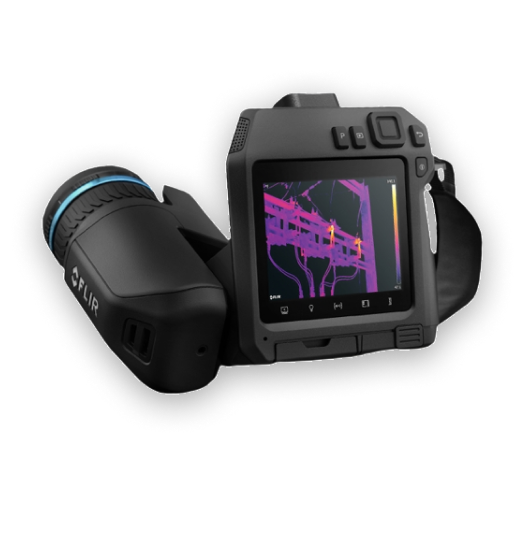
Thermal Studio Suite Fundamentals

Thermal Studio Suite Fundamentals

Explore FLIR Ignite, a cloud-based application for image processing, analysis, report generation, and data storage
Introduction and Setup: Getting started with FLIR Thermal Studio, including installation and initial configuration.
Advanced Editor Features: Efficiently processing thermal images.
Basic Template Design: Creating and using templates for consistent and professional reporting
Enhancing the Template: Utilizing tools for detailed thermal analysis
Route Creator: Planning and executing systematic inspection routes
Get started the right way as an infrared thermographer
Learn how to accurately measure temperature, safely conduct inspections, and create basic reports for stakeholders. Upon certification, you'll have all the tools needed to begin your journey as a safe, capable thermographer, unlocking the full potential of your investment in infrared cameras and adding tremendous value to your organization or business.